




OG Image Social Share Preview Tool
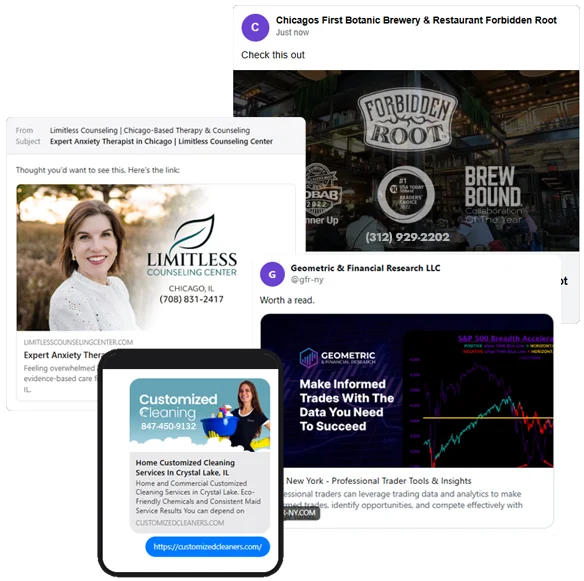
Paste in any page URL and see exactly how it shows up when someone shares it on Facebook, X, LinkedIn, in a text, or inside an email. If the image or title looks wrong here, it looks wrong to everyone who shares your link.
What we found in your tags
Nobody tells you this part.
Every time someone shares your link, you hand out a free ad. Most businesses hand out a blank one.
When your page gets shared in a text, a Facebook post, or an email, one image does all the talking. Get it right and it looks like a paid ad you never paid for. Leave it blank and you get a gray box people scroll right past.
We're CW Dynamic. We build websites, run local SEO, and design the social share images that make every share look sharp and on brand. We set it up once, and it goes to work every time your link travels, day and night.
What a great social image actually has
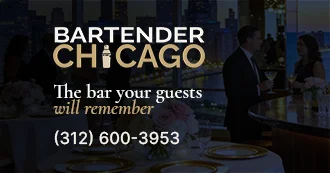
Four things, every time. Here's where they sit on the card. The same four numbers show up on every makeover below.
Real client makeovers - OG Social Image Examples
Same business, same link. The only thing that changes is the image people see when it gets shared. Before on the left, the new build on the right. The numbers match the four elements above.